Thank you, thank you, I was panicking at the thought of having to work in Word just because I’m taking a course.
Thank you for providing a great APA template! I hate switching to Windows XP on the Mac just to write a paper. :)
Hey, thanks for the template. You may want to double check that it is up to date with all the recent format guidelines for APA, though.
Thank you so much. I really appreciate being able to have a great APA template for Pages.
Thanks again!
You rock. Awesomely.
I hate to say this, but very little of the formatting seems correct–just a heads up
Hi guys,
Glad that you found it useful.
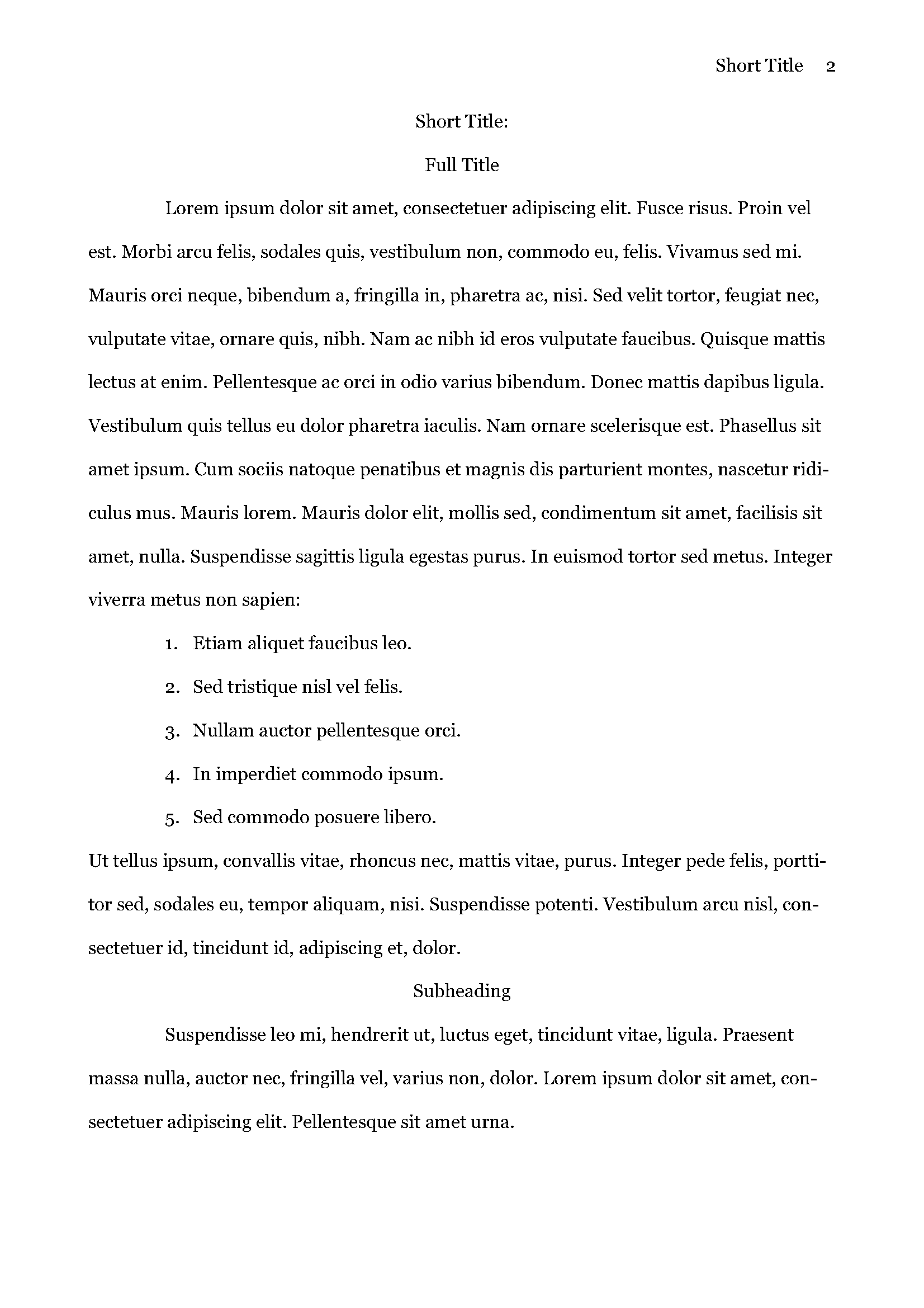
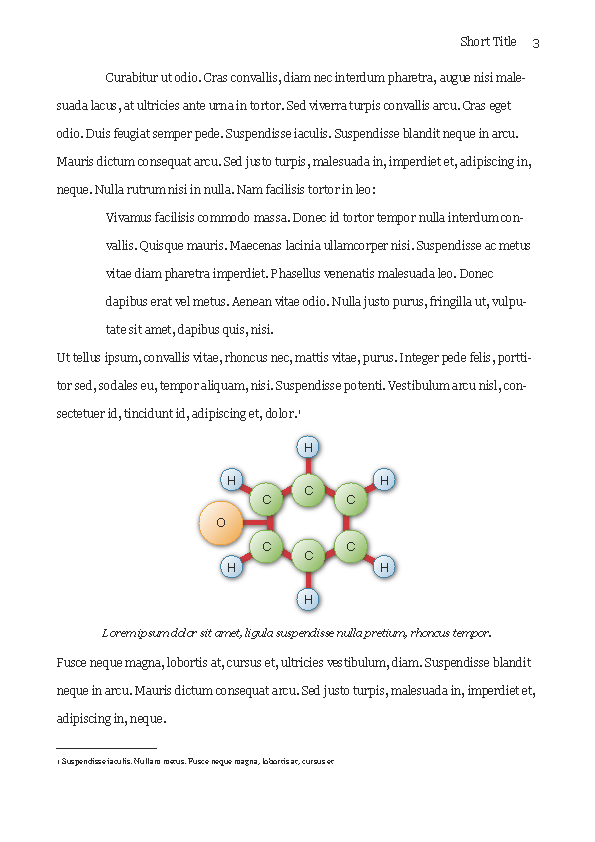
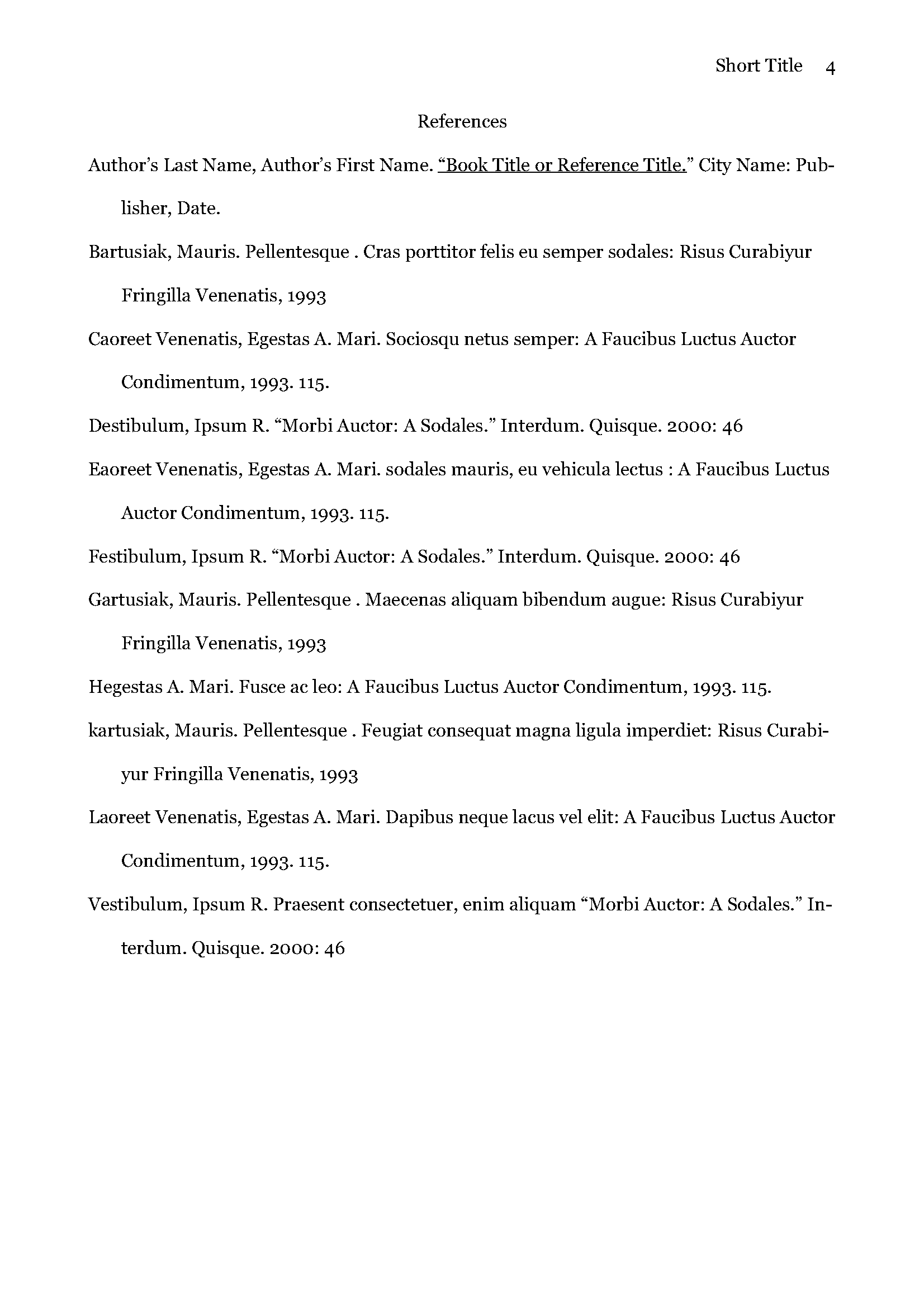
Please note that I did not conform the formatting to the exact specifications of APA, which looks pretty awful imo. I followed mostly this paper from Diana Hacker (http://www.dianahacker.com/pdfs/Hacker-Shaw-APA.pdf) in creating this template.
You’d have to tweak the template to match the APA specs if exact conformance is important for your paper.
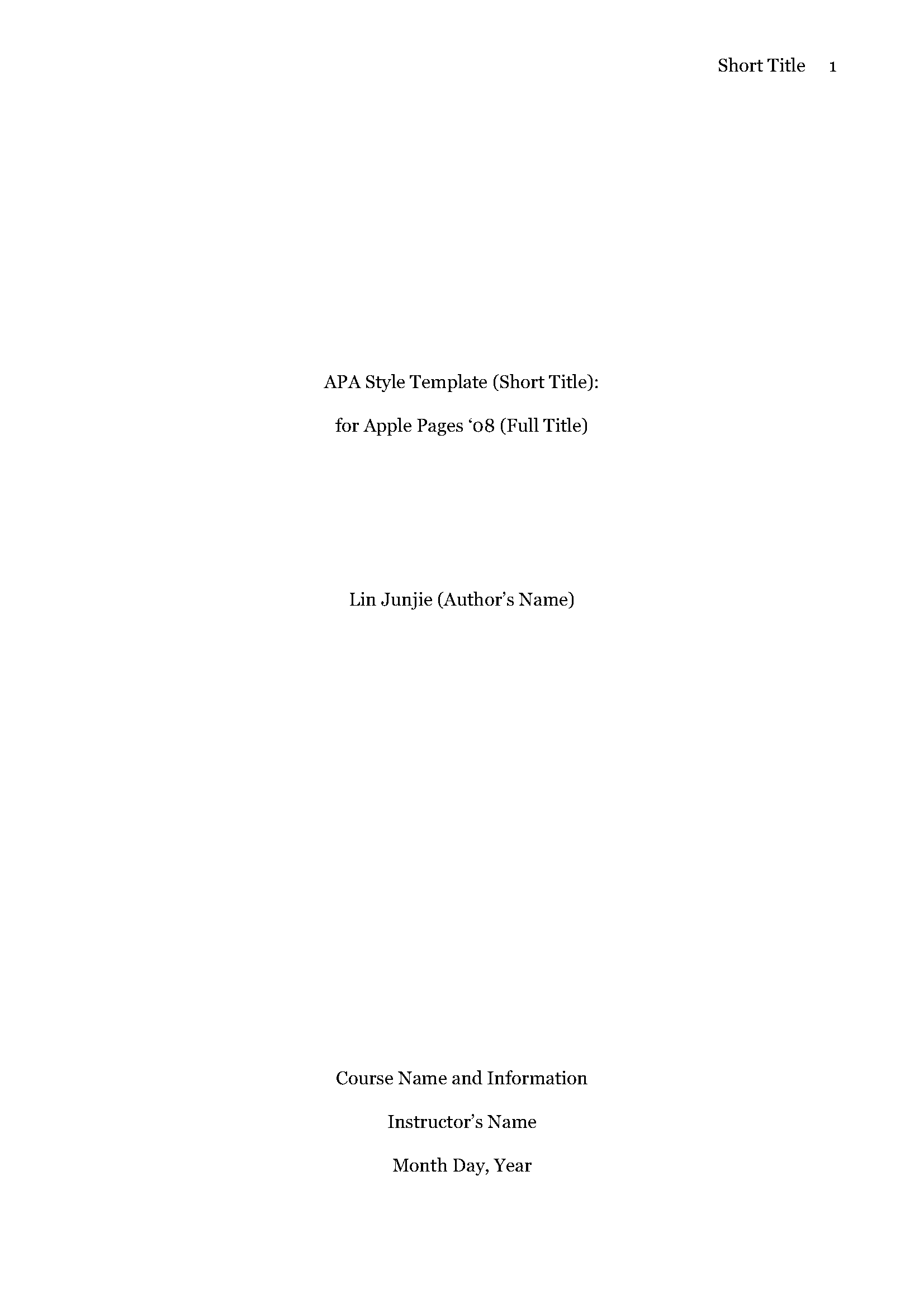
Some differences I can think of off-hand include: paper is set to A4 (because that’s what we use here in Singapore), margins are not to 1″ (2.54cm) exactly, no running head, allowance for course codes and instructor names in cover page.
Great job! Thanks a lot! I just finished my first class and was told I required ATA doc formatting. I didn’t want to use Word on my Mac, natural choice was Pages! Thanks again!
THANK YOU!!!
Thank you for this template! It’s been years since I wrote any form of paper; until today.
Will these work with pages 09? I really hope so, because I hate APA style and can never get it right. Thanks for developing these!!!!
killlerr
please email me if something newer is in town.
Gracias por este formato… No encontraba como hacerlo
Saludos
Oh yeah! Thanks a bunch and junjie that tailored to a Singaporean need! Cheers to all!
Thank you so much!
Thank you!! I a trying the template on my first paper.
Thank you!! Merci beaucoup!! Tack som fan!! May the force be with you.
Thanks a lot! Appreciate it very much! :)
Yes, people are still finding this useful, even nearly three years later. Thank you so much! In the midst of my dissertation, my PC died and my planned switch to Mac occurred much sooner than anticipated. This helps smooth the transition…

Thank you, thank you, I was panicking at the thought of having to work in Word just because I’m taking a course.
Thank you for providing a great APA template! I hate switching to Windows XP on the Mac just to write a paper. :)
Hey, thanks for the template. You may want to double check that it is up to date with all the recent format guidelines for APA, though.
Thank you so much. I really appreciate being able to have a great APA template for Pages.
Thanks again!
You rock. Awesomely.
I hate to say this, but very little of the formatting seems correct–just a heads up
Hi guys,
Glad that you found it useful.
Please note that I did not conform the formatting to the exact specifications of APA, which looks pretty awful imo. I followed mostly this paper from Diana Hacker (http://www.dianahacker.com/pdfs/Hacker-Shaw-APA.pdf) in creating this template.
You’d have to tweak the template to match the APA specs if exact conformance is important for your paper.
Some differences I can think of off-hand include: paper is set to A4 (because that’s what we use here in Singapore), margins are not to 1″ (2.54cm) exactly, no running head, allowance for course codes and instructor names in cover page.
Great job! Thanks a lot! I just finished my first class and was told I required ATA doc formatting. I didn’t want to use Word on my Mac, natural choice was Pages! Thanks again!
THANK YOU!!!
Thank you for this template! It’s been years since I wrote any form of paper; until today.
Will these work with pages 09? I really hope so, because I hate APA style and can never get it right. Thanks for developing these!!!!
killlerr
please email me if something newer is in town.
Gracias por este formato… No encontraba como hacerlo Saludos
Oh yeah! Thanks a bunch and junjie that tailored to a Singaporean need! Cheers to all!
Thank you so much!
Thank you!! I a trying the template on my first paper.
Thank you!! Merci beaucoup!! Tack som fan!! May the force be with you.
Thanks a lot! Appreciate it very much! :)
Yes, people are still finding this useful, even nearly three years later. Thank you so much! In the midst of my dissertation, my PC died and my planned switch to Mac occurred much sooner than anticipated. This helps smooth the transition…